Spaces
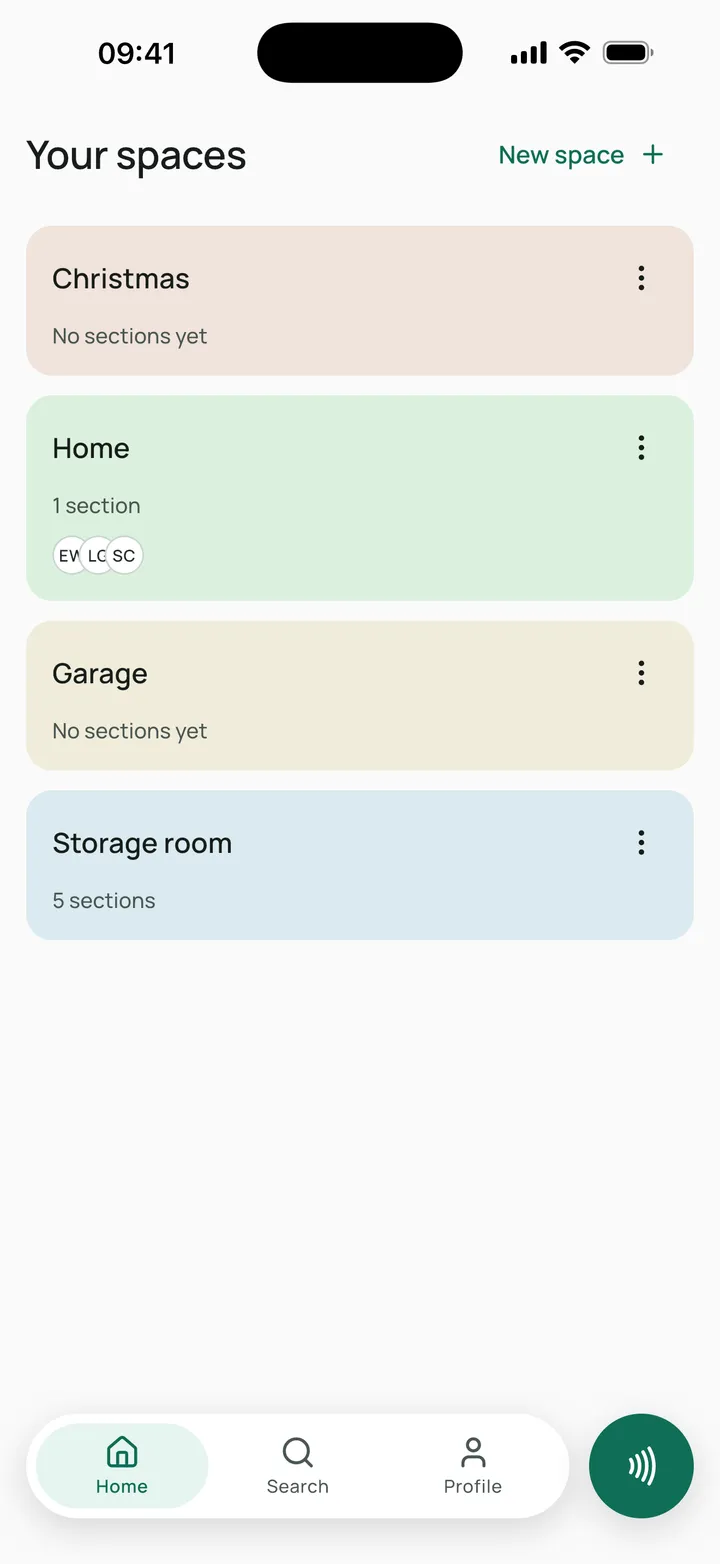
Every space, in its own colour
Home, storage room, garage… All together on Home, each with its own colour so you spot it at a glance.
 Tagbo
TagboWith or without NFC tags
Boxes, drawers and storage rooms, with what's inside each one. Search them all at once, or hold your phone to a tag and see what's inside without opening anything.


Free · No sign-up needed · iOS and Android
How it works
Tagbo keeps track of what matters: where everything is.
Home, storage room, garage… Each space gets its own colour so you can tell them apart at a glance.
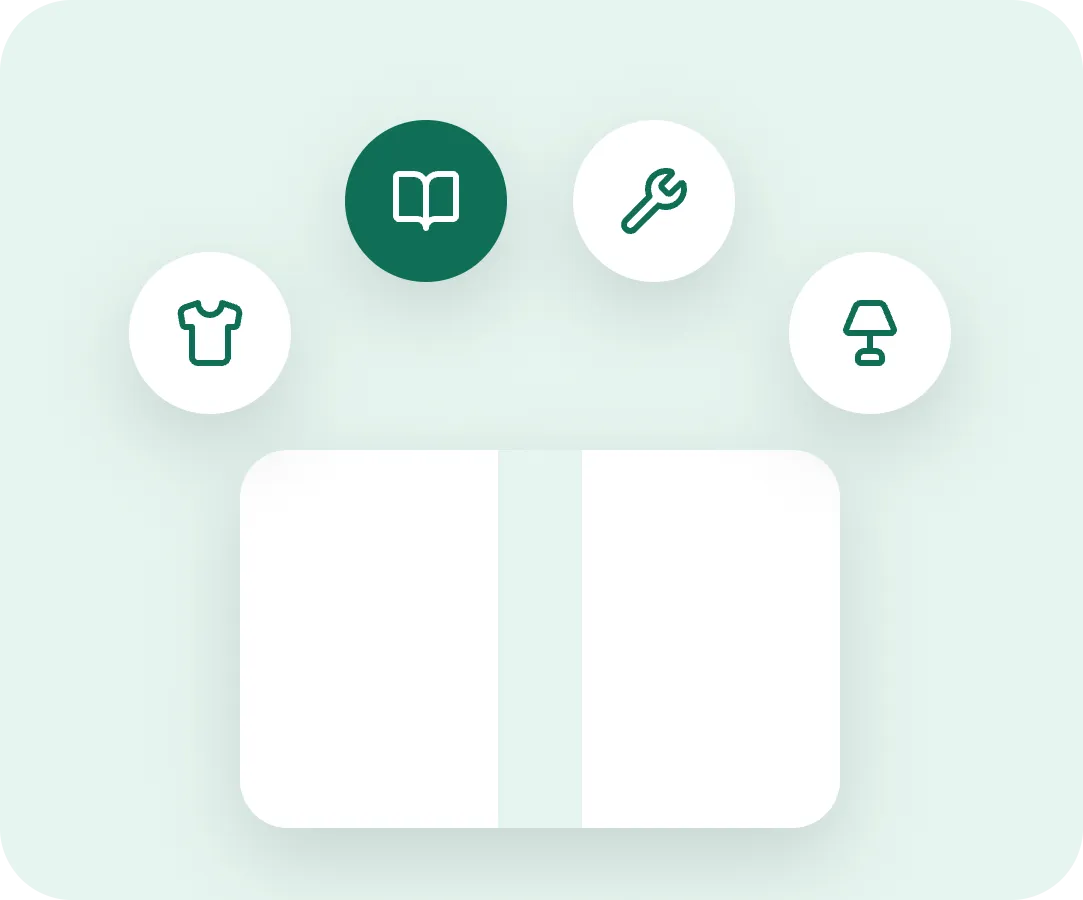
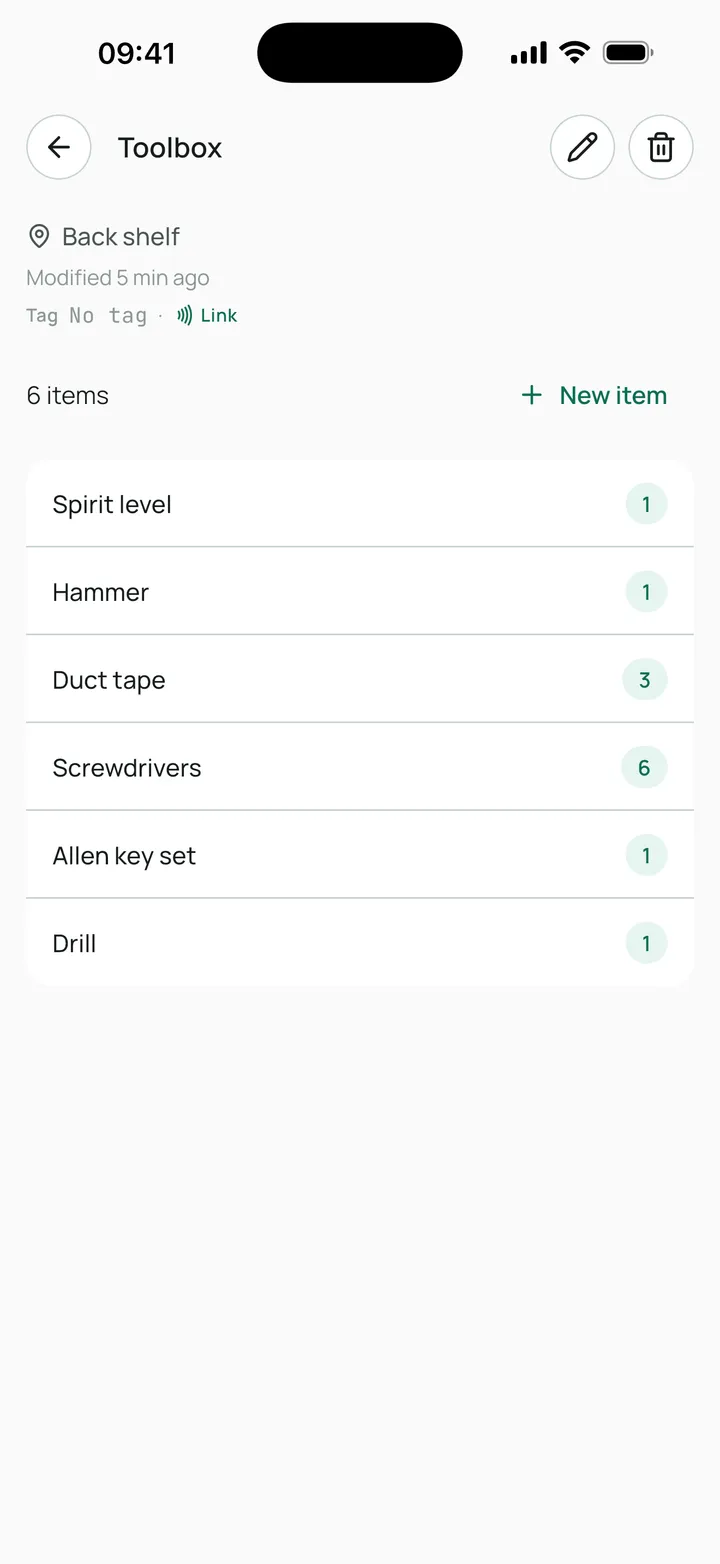
Add sections with their location, the shelf or the cupboard, and the items inside with their quantity.
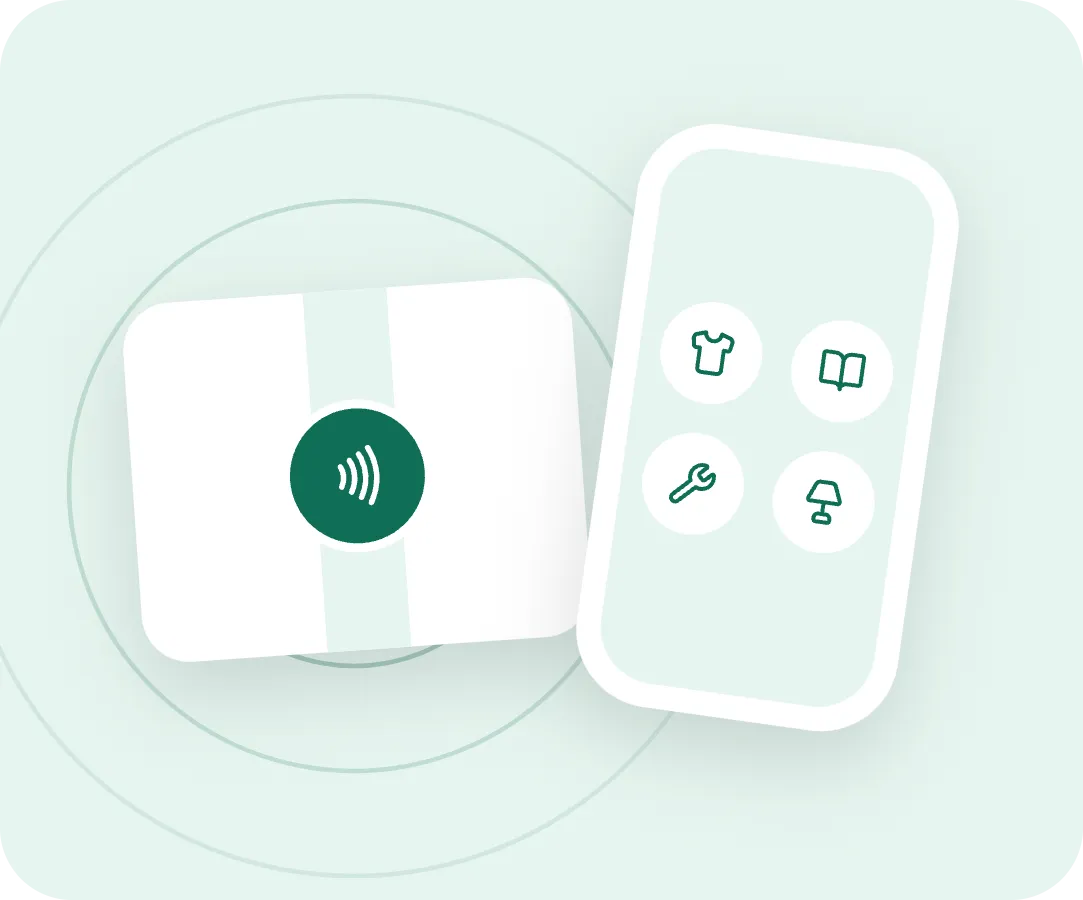
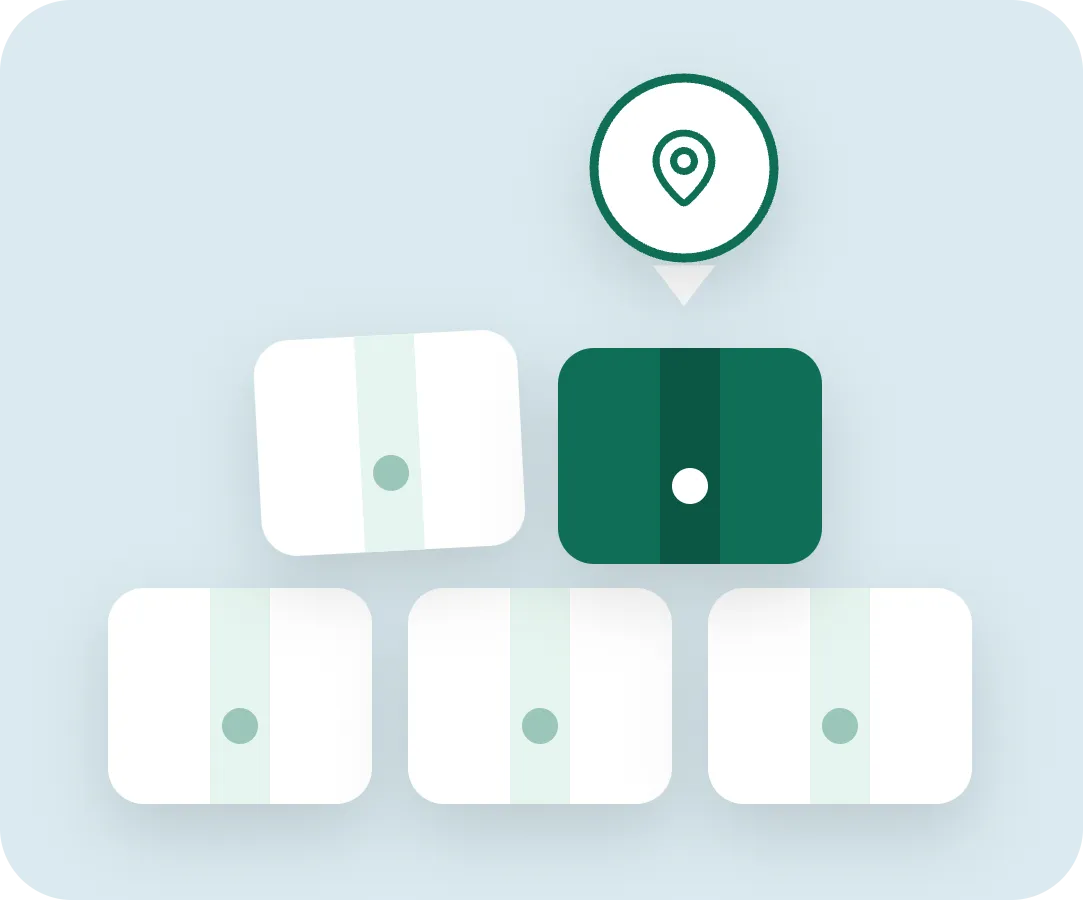
An NFC tag on the box and you see what's inside without opening it. No tags? Tagbo works just the same.
Features
Spaces
Home, storage room, garage… All together on Home, each with its own colour so you spot it at a glance.
Sections
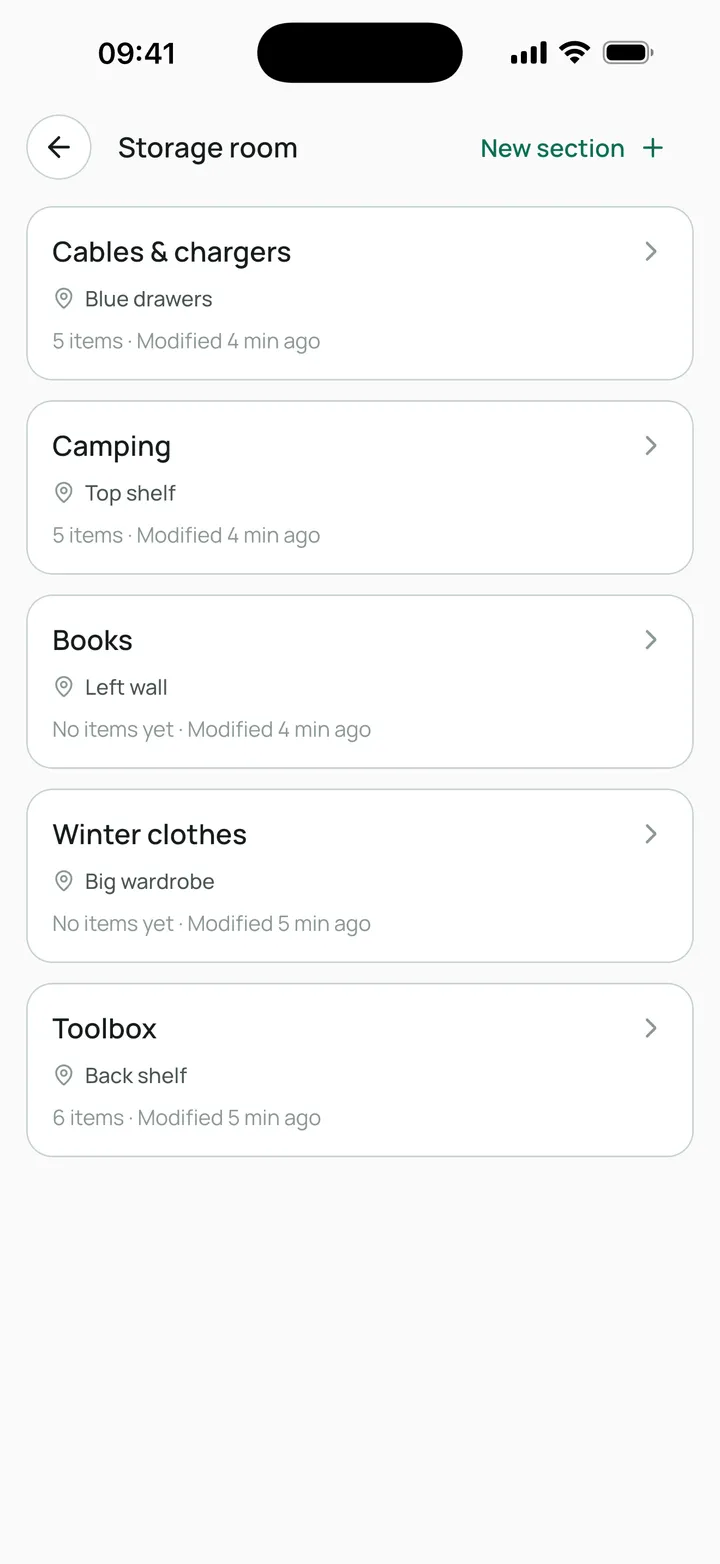
Note where it is: the back shelf, the hallway closet. Inside, the items with their quantity.
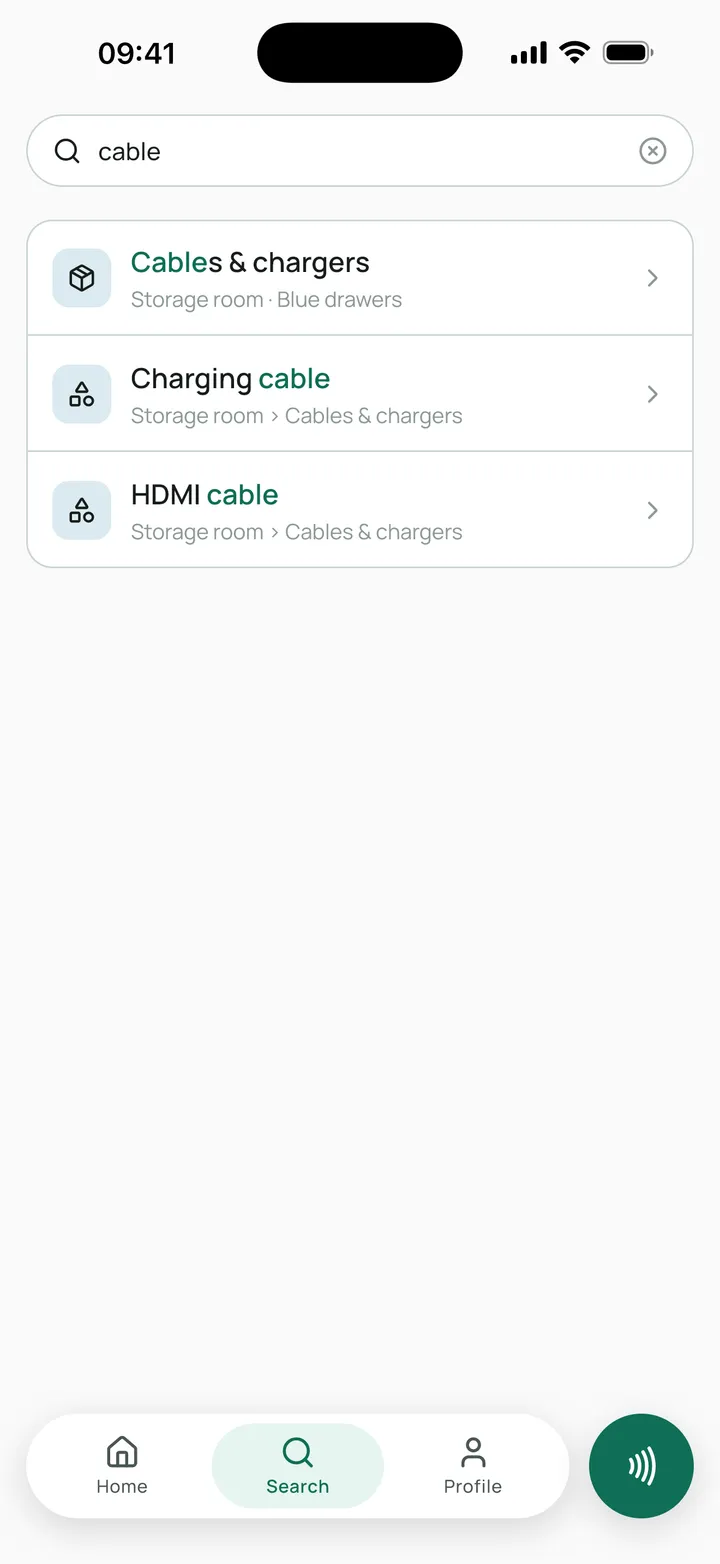
Search
Search all your boxes at once. No worrying about capitals or accents, and your latest searches close at hand.
Sharing
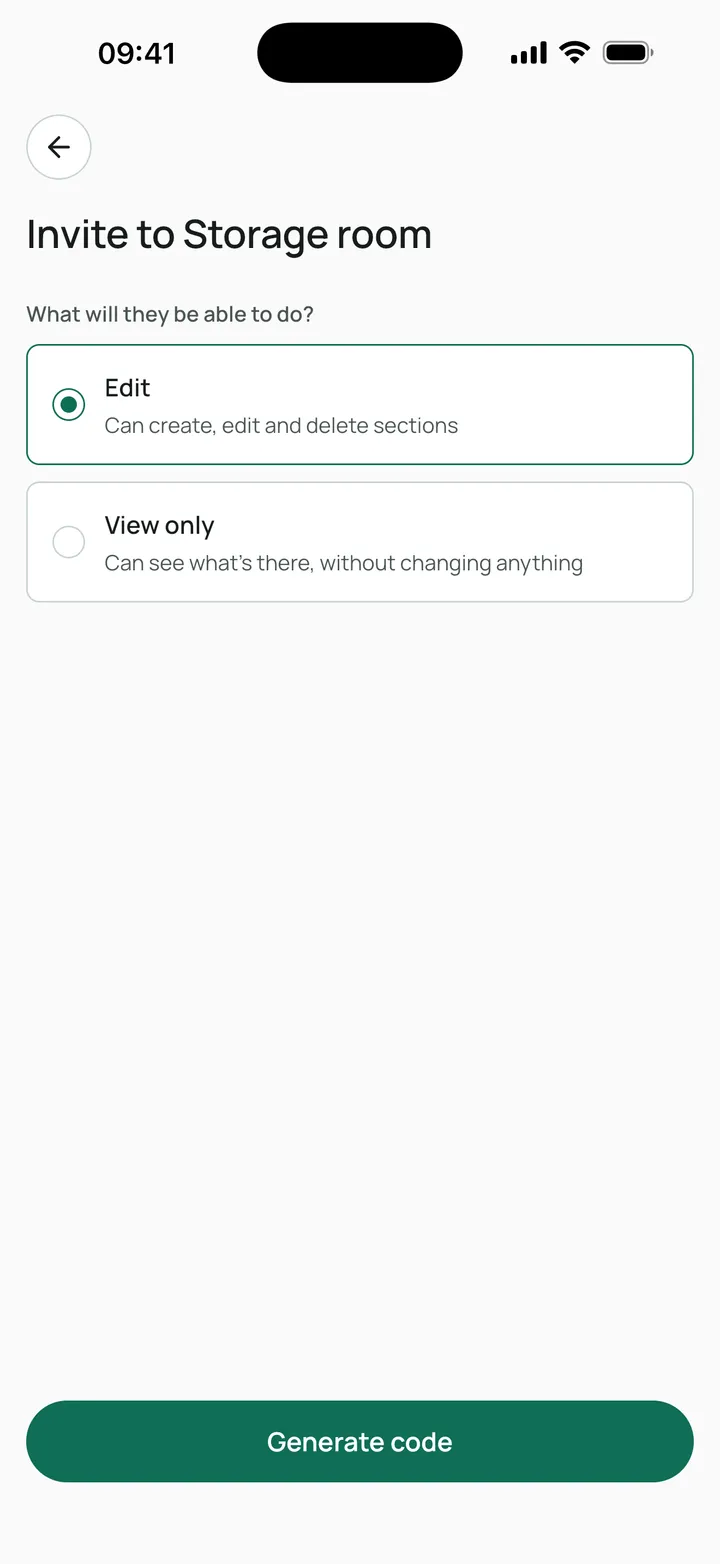
Invite your family with a code and pick their role: editor to add things, or view only.
No account
Create your first space right now. Link Google or Apple whenever you like and you won't lose anything you've saved.
Your account
Not linked
Link your account so you don't lose your spaces if you change phones.
Continue with GoogleContinue with Apple1Stick
2Hold
3Look inside
NFC tags
They're optional: Tagbo works just as well without them. With tags, you can see what's inside a box without opening it.
Pricing
Organizing your boxes costs nothing. Pro is for people who want more spaces and to share them with their crew.
To organize your home, your storage room or your move, all by yourself.
€0/forever
No card, no expiry
Includes
To share your spaces without committing to a year.
€4.99/month
Renews automatically every month
Everything in Free, plus:
No commitment: cancel anytime from the App Store or Google Play.
For people who share spaces and want the best price.
€19.99/year
works out to €1.67/monthSave 66%
Everything in Free, plus:
No commitment: cancel anytime from the App Store or Google Play.
Free
Pro
Mo. or yearly
Your own spaces
Each space with its own color
Sections and items
With location and quantity
Scan and look up
Never locked, paid or not
NFC tags
NTAG213, 215 and 216, optional
Search across all your boxes
Ignores case and accents
Join shared spaces
With the code you're sent
Share your spaces
Invite your people with a code
Editor / view-only roles
You decide what each person can do
Start without signing up
Link Google or Apple whenever you like
Your data stays
Even if you leave Pro
FAQ
Still have questions? Write to us from the support page.
No. They're optional: Tagbo works just as well if you note down your boxes and search for them. Tags simply save you from opening the box: tap your phone and see what's inside.
Any adhesive NFC tag such as NTAG213, NTAG215 or NTAG216 works. Pick the format that sticks best to your boxes: sticker, keychain or card.
Yes. You can browse and edit your spaces offline, and Tagbo syncs your changes as soon as you're back online.
Yes. Invite family or flatmates by email and choose whether they can only view or also edit. You can change their permissions or remove their access at any time.
Your spaces and items are yours. We store them securely only so syncing and sharing work, and we never sell them or use them for advertising.
From your App Store or Google Play subscription settings, any time. You keep Pro until the end of the period you've already paid for, and your data stays intact.
Download Tagbo for free, create your first space and stop digging through every box.